Create your first website

Mobirise Free Website Maker is perfect for non-techies and great for pro-coders for fast prototyping and small customers' projects.

Full Screen Intro

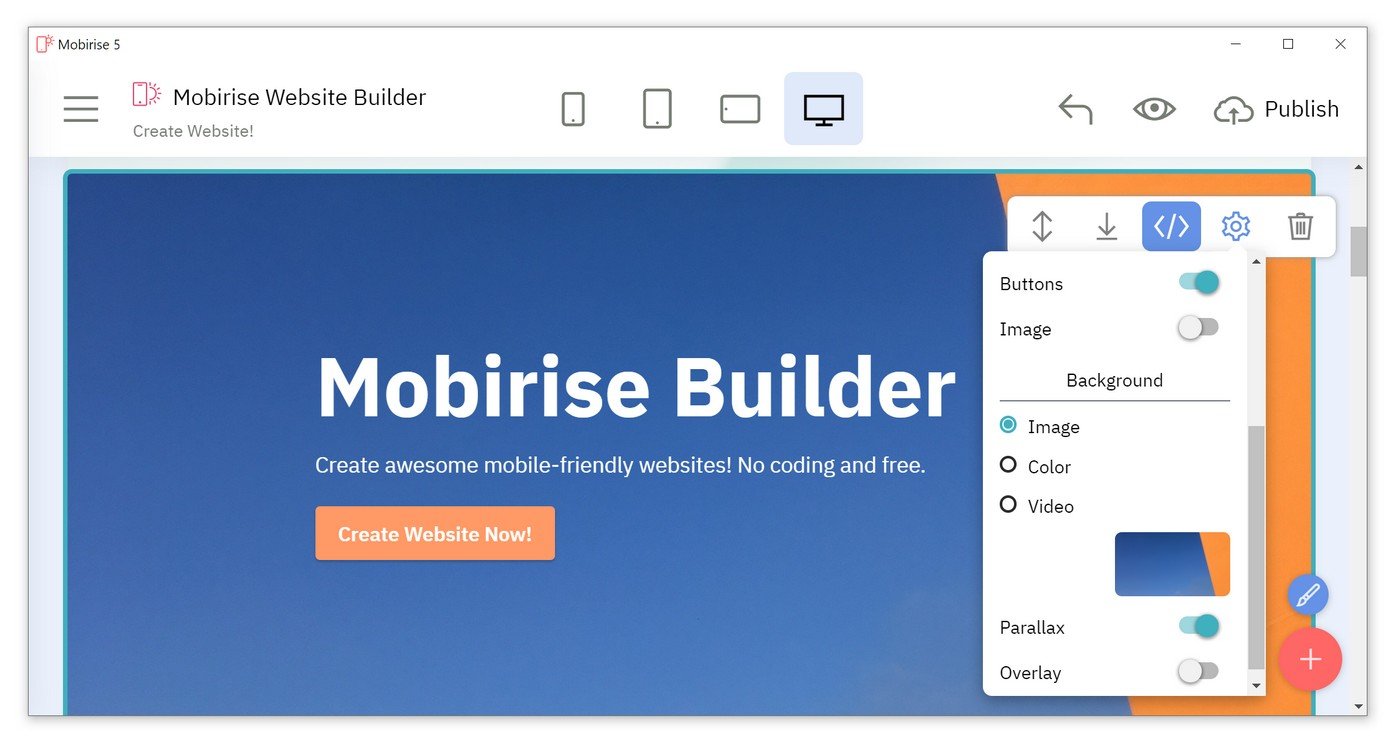
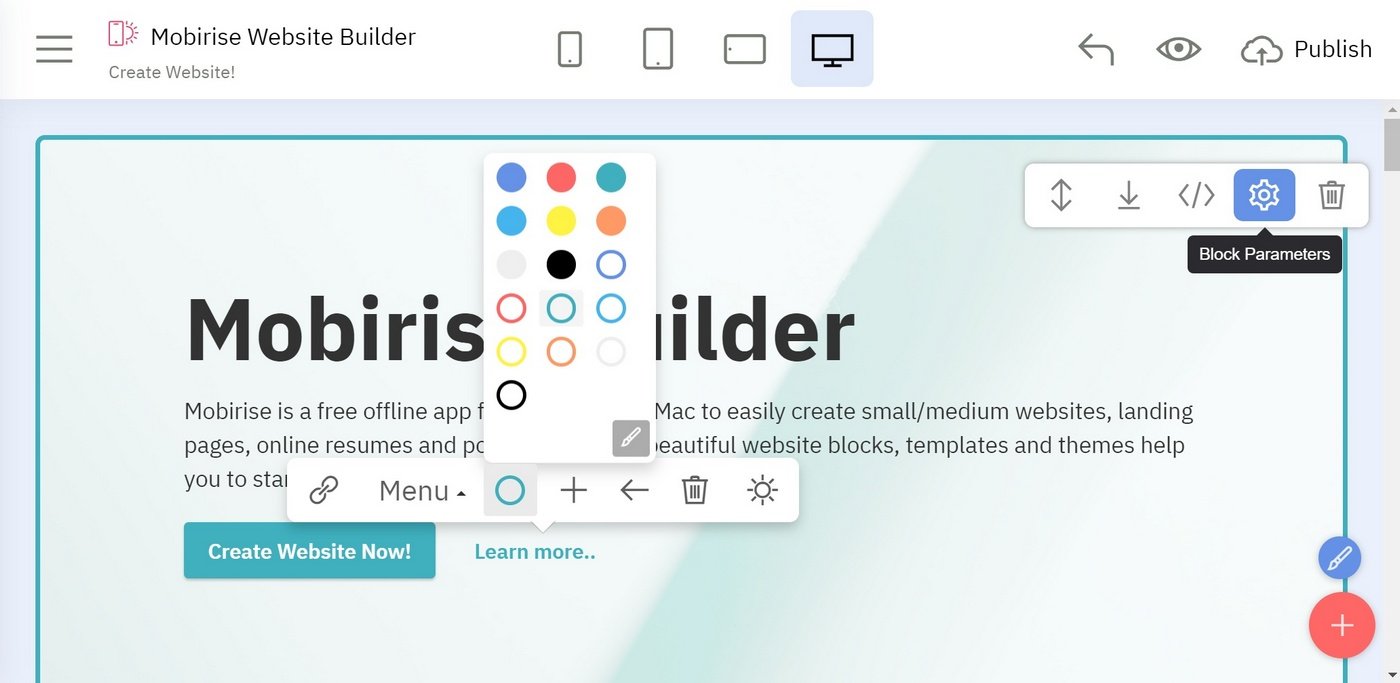
Click any text to edit or style it. Select text to insert a link. Click the blue "Gear" icon at the top right corner to hide/show buttons, text, title, and change the block background. Click the red "+" button at the bottom right corner to add a new block. Use the top left menu to create new pages, sites, and add new themes and extensions.

Building a website

For fast prototyping and small customers' projects.

New Possibilities

Block with flexible configuration, free vertical and horizontal content movement (only when full screen is on)

Full Screen Intro

Mobirise gives you the freedom to develop as many websites as you like.

MOBIRISE BUILDER

Mobirise is a free offline app for Windows and Mac to easily create small/medium websites, landing pages, portfolios. 3500+ beautiful website blocks, templates and themes help you to start easily.

MOBIRISE

Mobirise Free Website Maker is perfect for non-techies and great for pro-coders for fast prototyping and small customers' projects.

Mobirise Free Website Builder.

Create your own website.
How to start a website >>

Mobirise Website Builder

Website Builder Software

Intro with an image above text. Click on the image to replace it. Key differences from traditional website builders: Minimalistic, extremely easy-to-use interface; Mobile-friendliness, latest website blocks and techniques "out-the-box"; Free for commercial and non-profit use.

INTRO WITH IMAGE

Intro with a picture at the bottom. Great for pro-coders for fast prototyping and small customers' projects.

Mobirise Website Builder

Make Fun Creating

Make awesome landing pages without coding!

Create Site Now

Click any text to edit or style it. Select text to insert a link. Click blue "Gear" icon in the top right corner to hide/show buttons, text, title and change the block background. Click red "+" in the bottom right corner to add a new block. Use the top left menu to create new pages, sites and add themes.

Intro with gradient background

Mobirise is a free offline app for Windows and Mac to easily create small/medium websites, landing pages, portfolios. 3500+ beautiful website blocks, templates and themes help you to start easily.

Attractive landing pages

Mobirise is a free offline app for Windows and Mac to easily create small/medium websites, landing pages, portfolios. 3500+ beautiful website blocks, templates and themes help you to start easily.

Mobirise Website Builder

Intro with Image

Full width intro with a sold background and a picture on the side. You can easily change the size of image in block parameters.

Intro with Video

Intro with Color, paddings and a video on the right. Mobirise helps you cut down development time by providing you with a flexible website editor with a drag and drop interface.

Intro with Video

Intro with a video at the bottom. Mobirise helps you cut down development time by providing you with a flexible website editor with a drag and drop interface.

Intro with Video Popup

Full-screen intro with Image and video popup.

Set the link to your video in Block Parameters

INTRO WITH ICONS

Full screen intro with background image, color overlay and icons

No Coding

Mobile Friendly

Unique Styles

Unlimited Sites

Copyright © Mobirise. All Rights Reserved.